Designing a Migraine Tracker That Stays Usable During an Actual Migraine

Miggy is a tap-based iOS migraine tracker I designed and built solo. The product brief was unusual: the user is in pain, photophobic, and likely nauseous at the moment they need the app most. I designed and shipped the full app and Home Screen widget in SwiftUI on SwiftData, with every flow optimised for the worst possible operating conditions.
→ Try it on TestFlight
Designer + Builder
1 (solo)
2025 → present
Migraine is not a headache. An attack typically lasts hours, often comes with nausea, light sensitivity, sound sensitivity and brain fog, and removes most of the user's capacity to operate a phone. Existing trackers ask the user to fill in forms at exactly the moment they cannot.
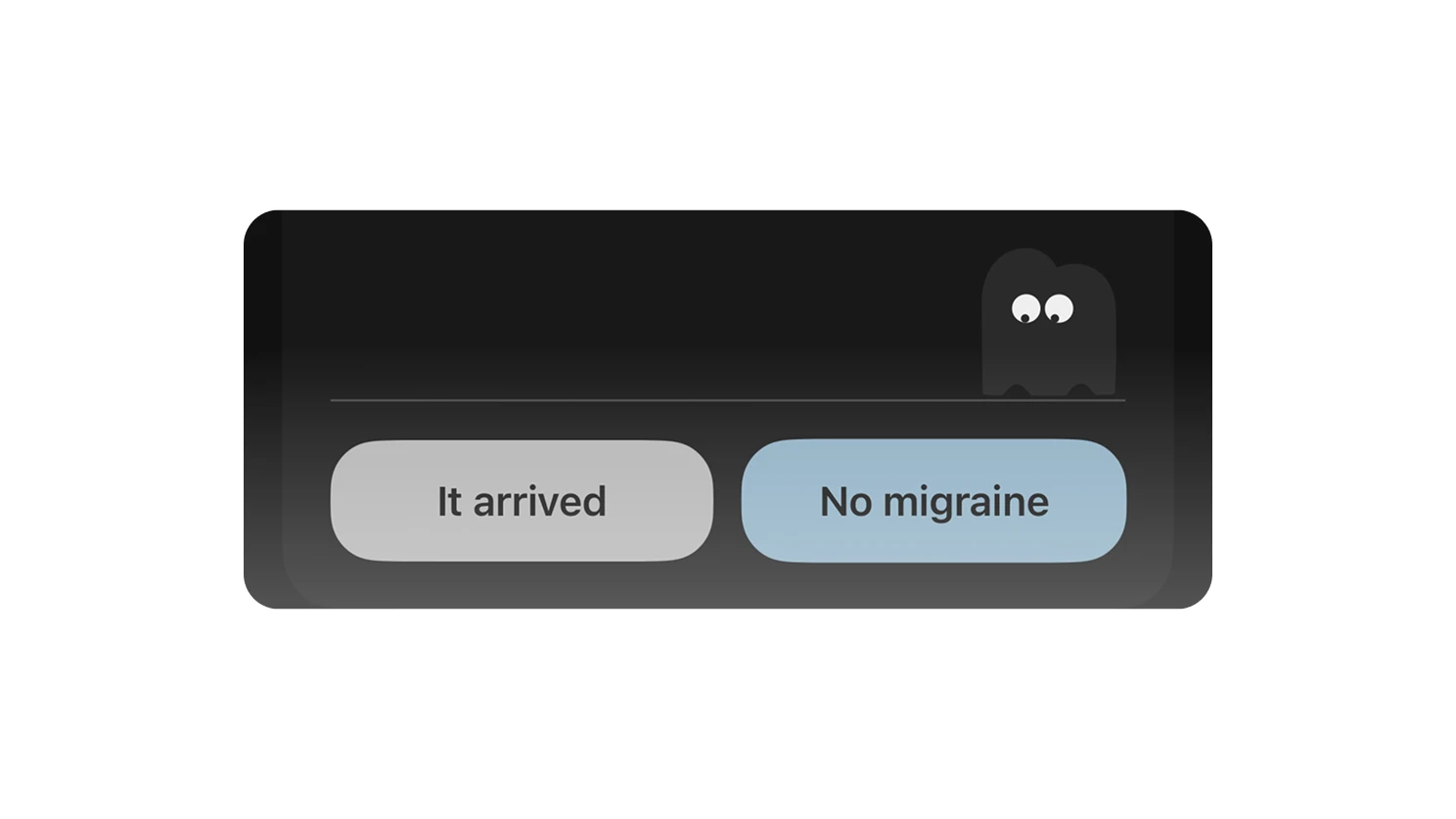
The user is impaired at the moment of use. Any flow that demands focus, fine motor accuracy, or reading dense text will be abandoned, which means the tracker captures nothing and the long-term data is worthless.
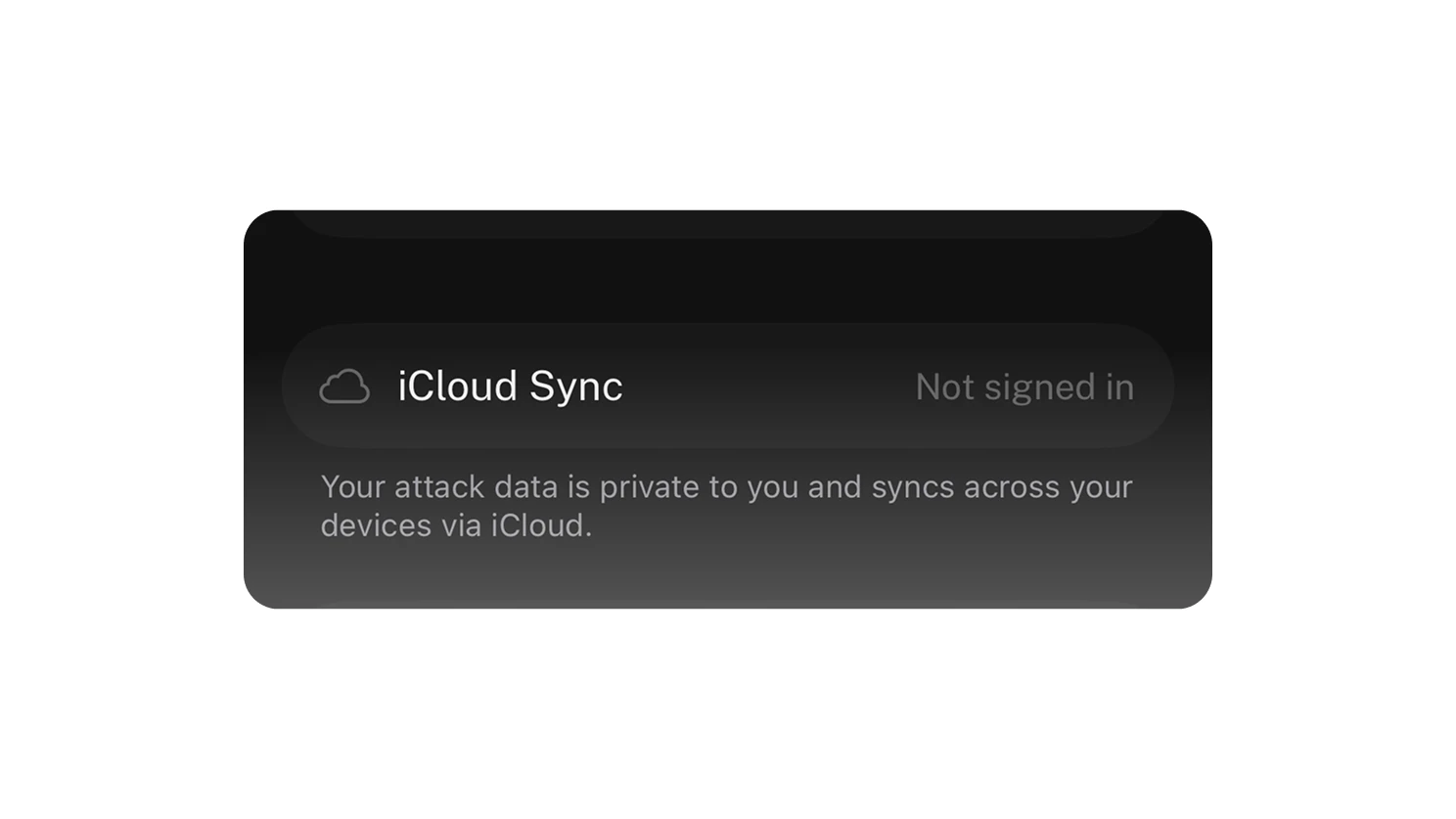
Local-first is the only honest answer. Health data this sensitive should not require an account or a server round-trip, and the product should work in airplane mode in a dark room.
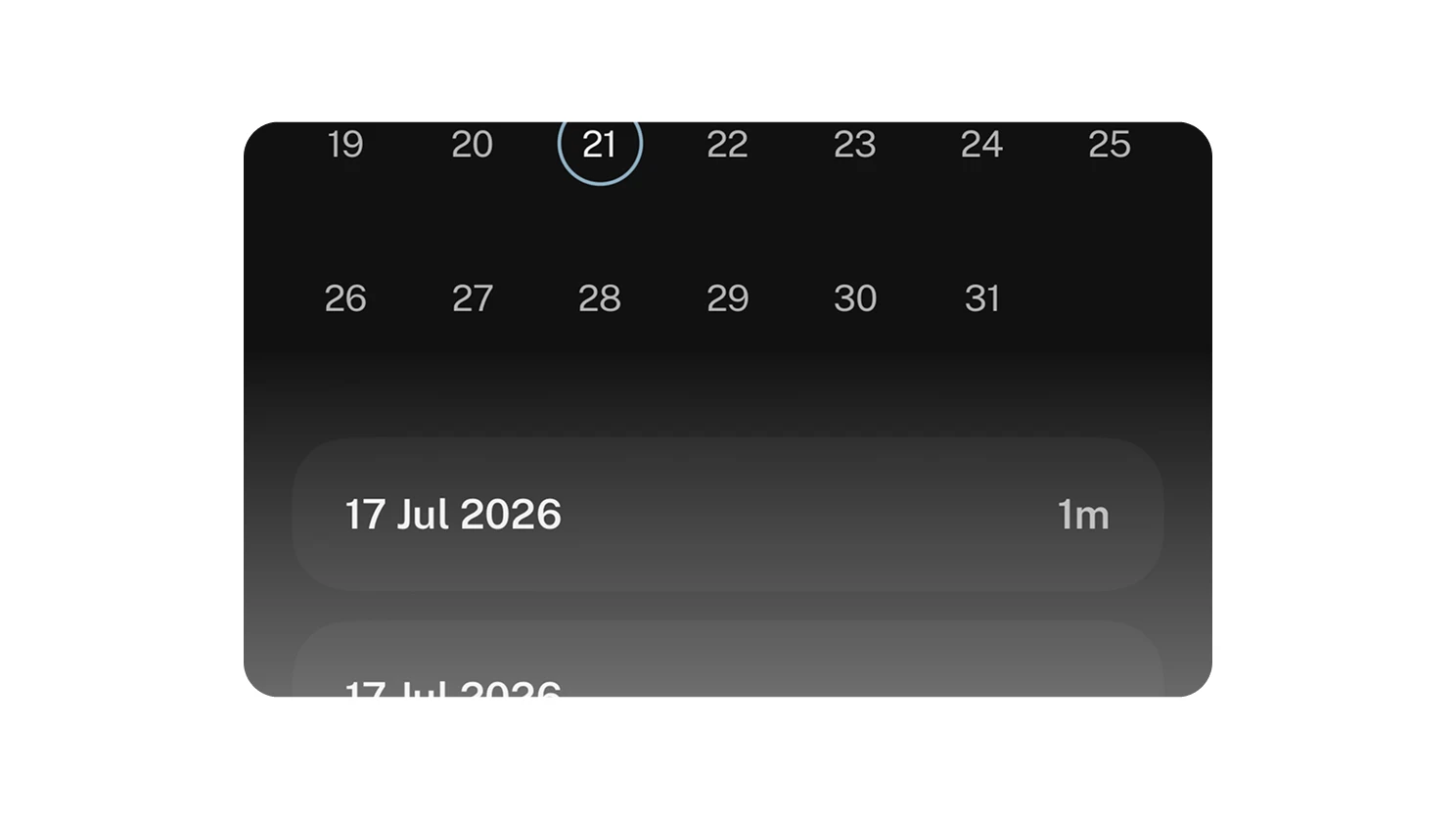
Migraine data is medically useful, but only if it is captured live. Retrospective logging hours later loses the pain curve, the medication timing, and the symptom sequence that a clinician actually needs.
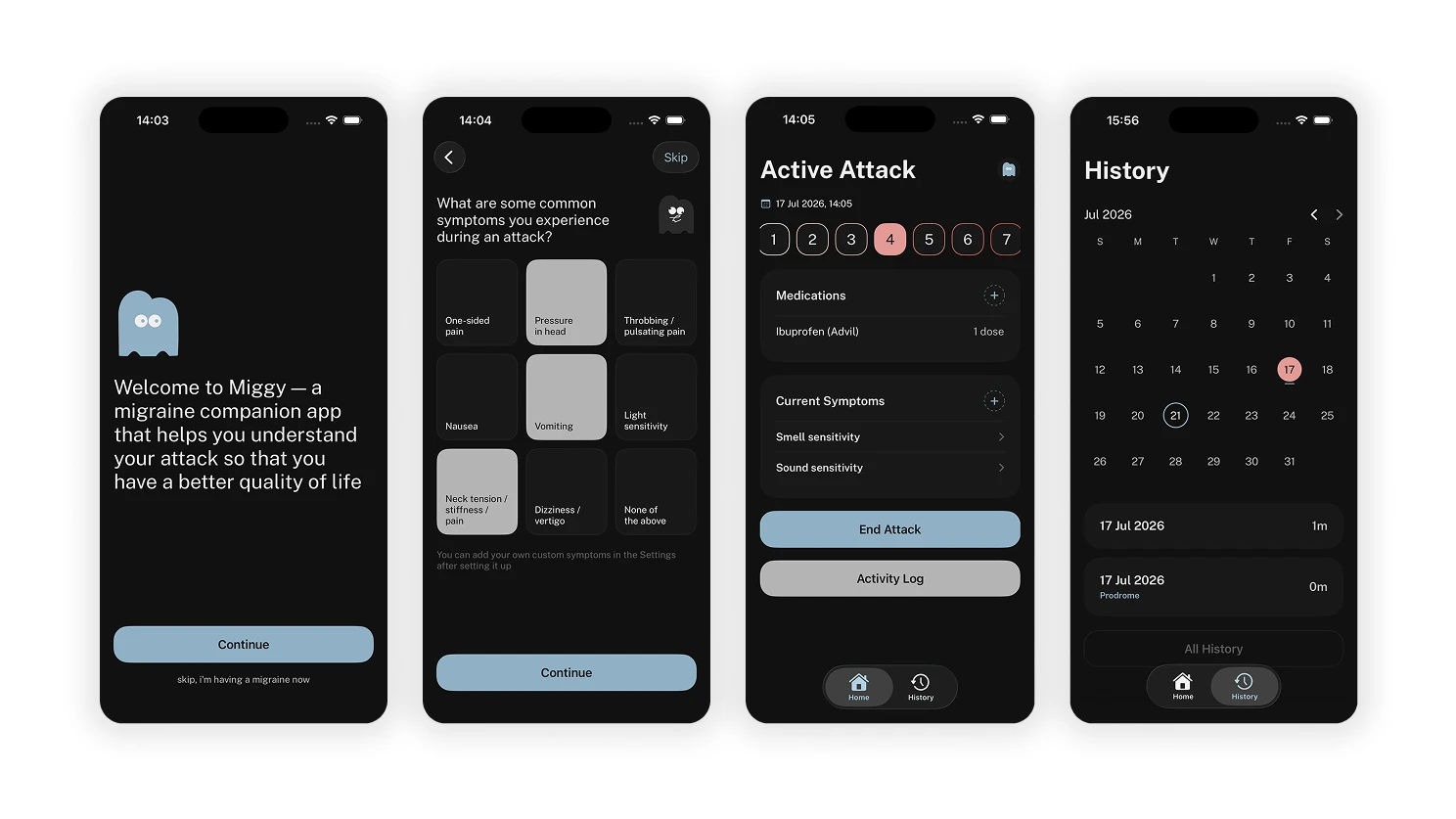
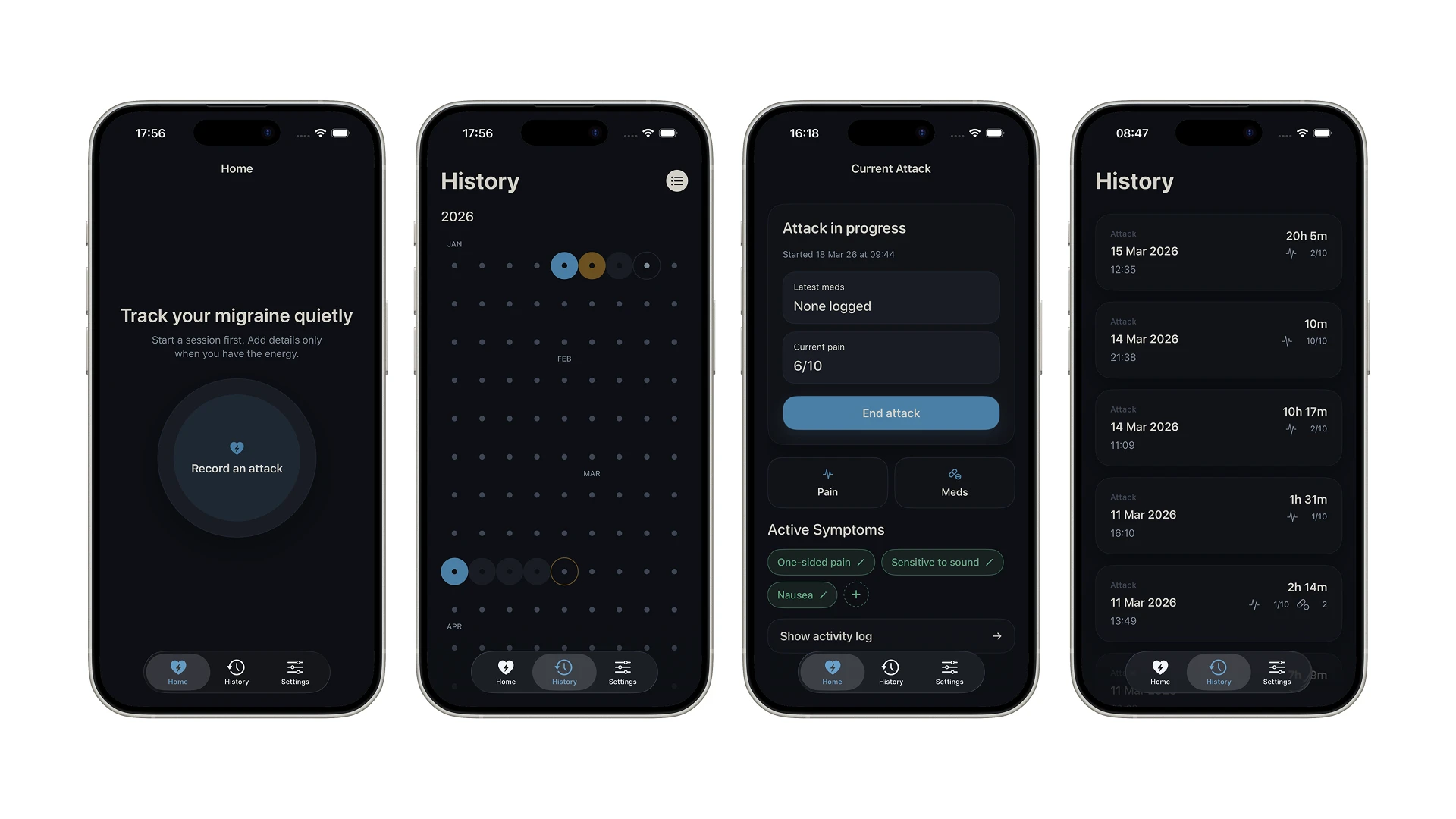
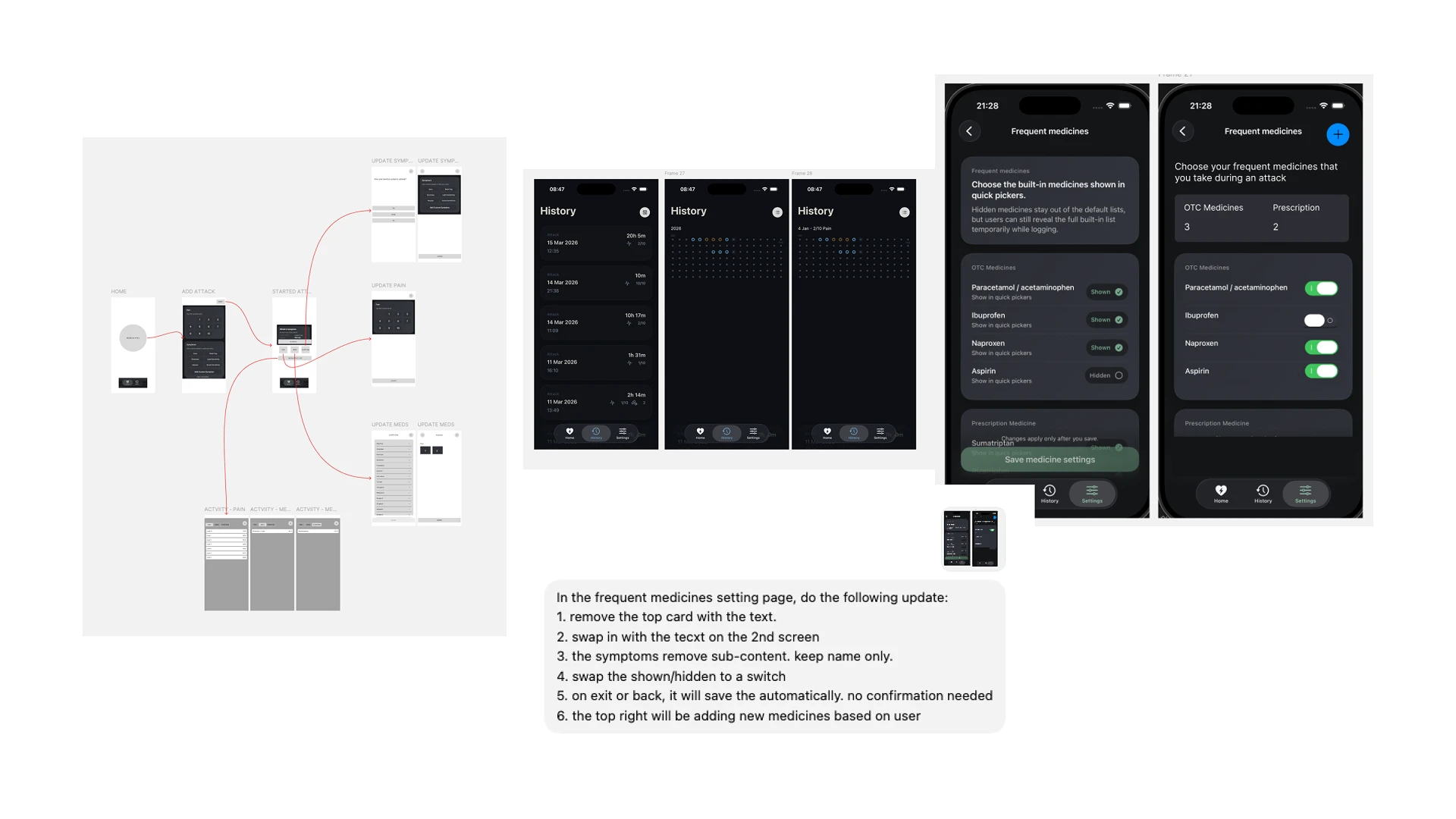
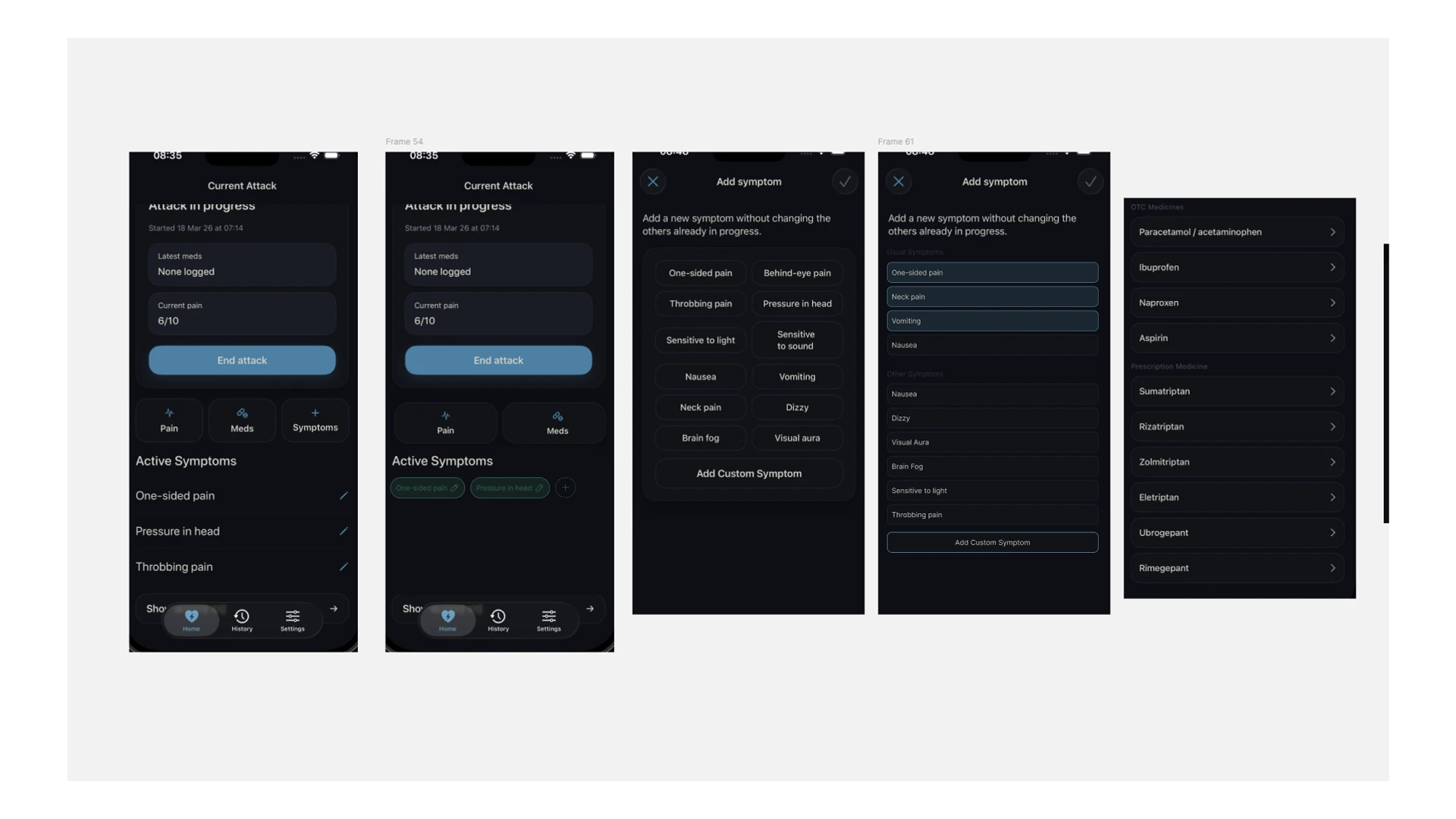
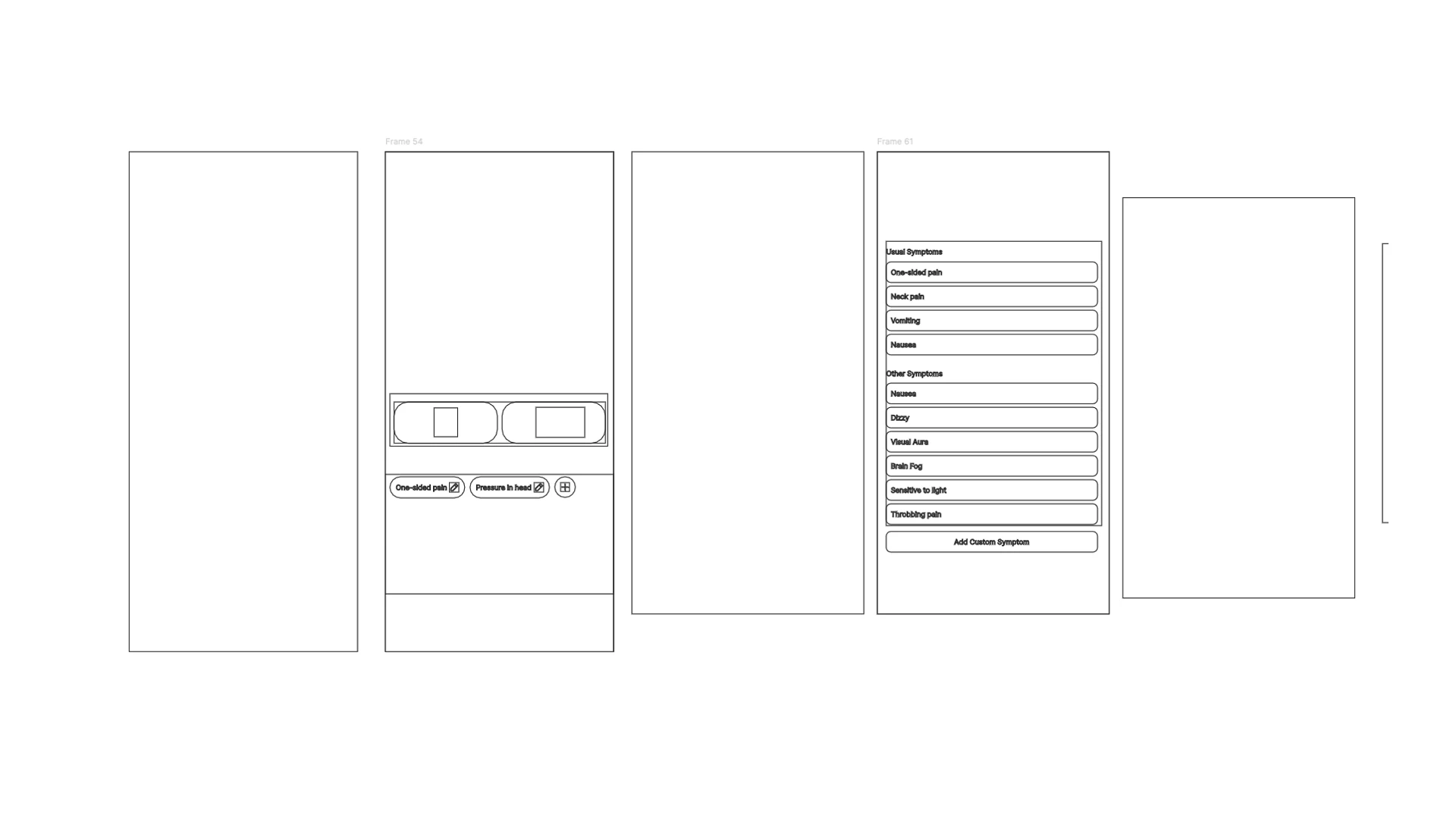
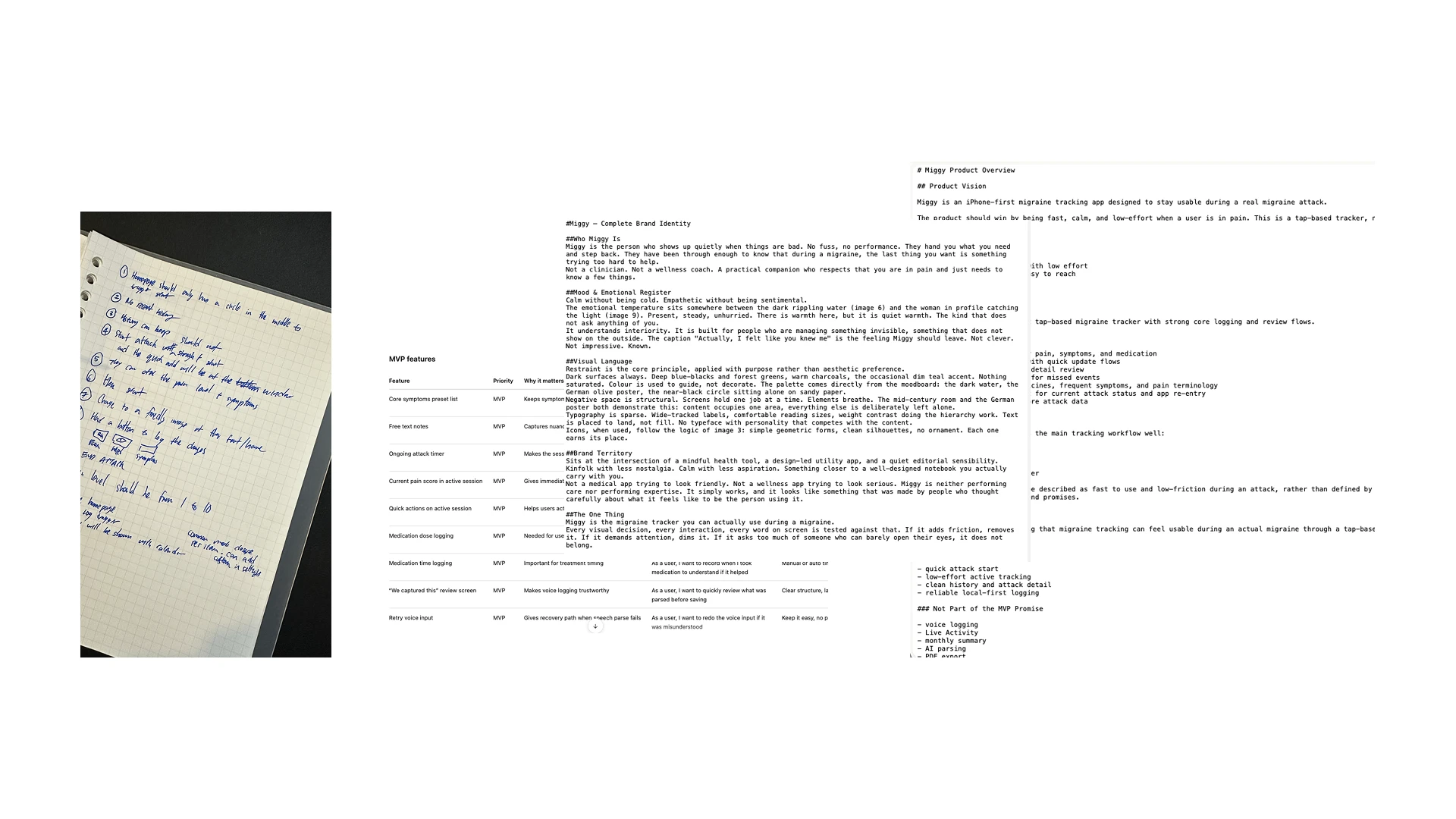
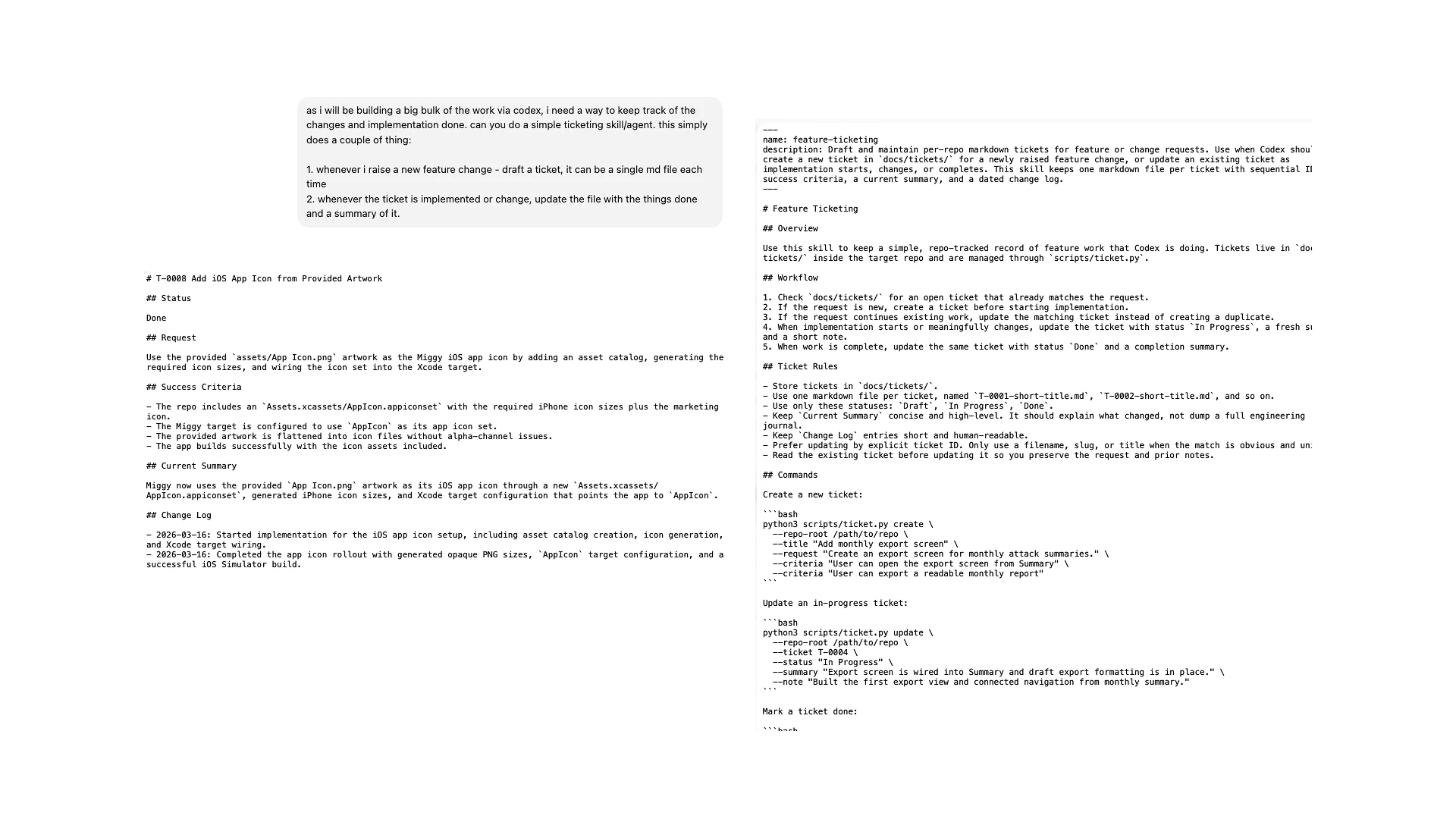
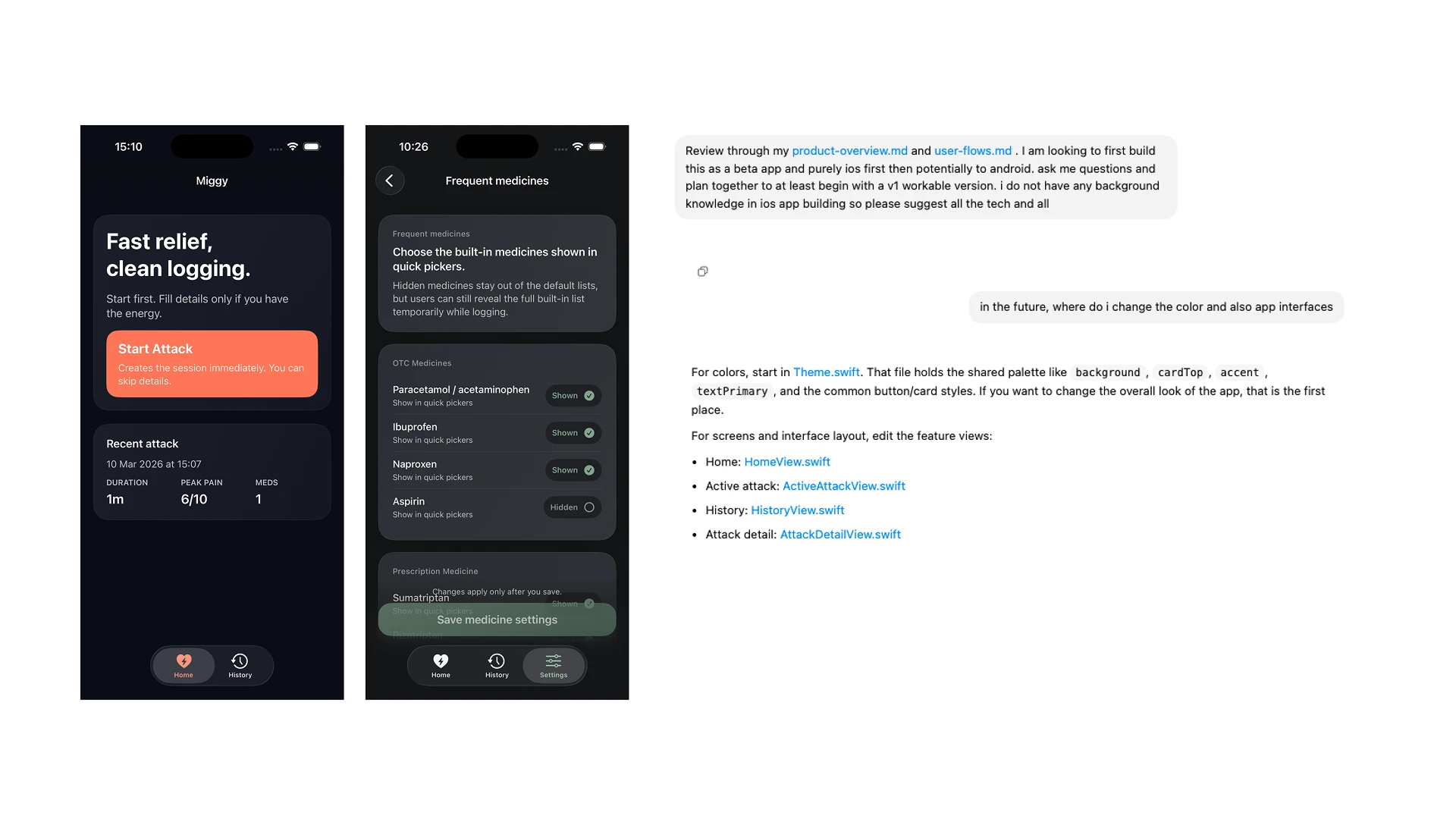
Building Miggy solo with an AI-driven workflow meant I could move from idea to shipped iOS app without waiting on anyone else, but it also meant every design decision had to survive contact with the real constraint: a user mid-attack with no patience for the app I made.